- Home >
- E-Bridge Parents app
E-Bridge Parents app
Transition from LittleLives/Little Family Room (LFR) to
E-Bridge Parents
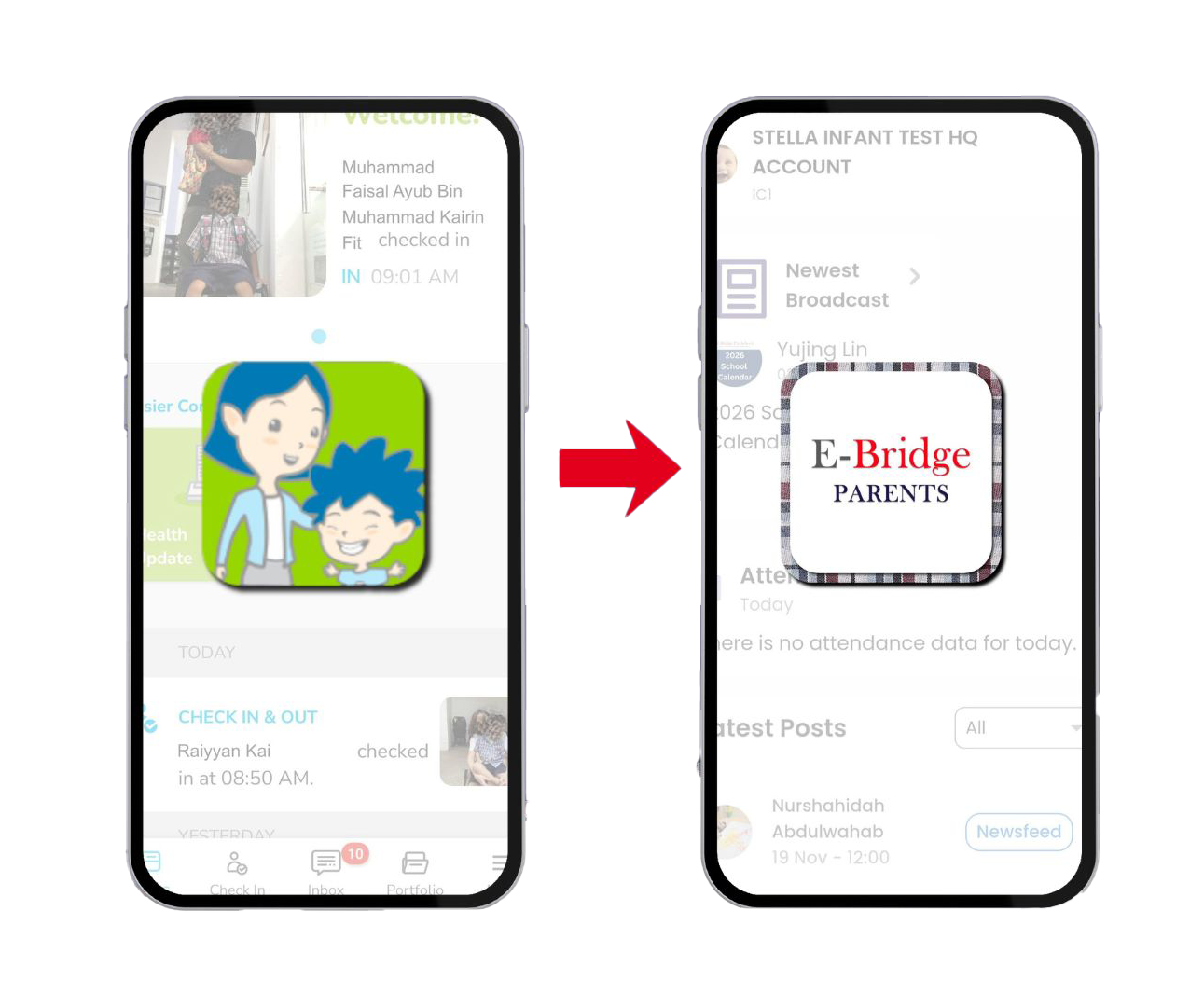
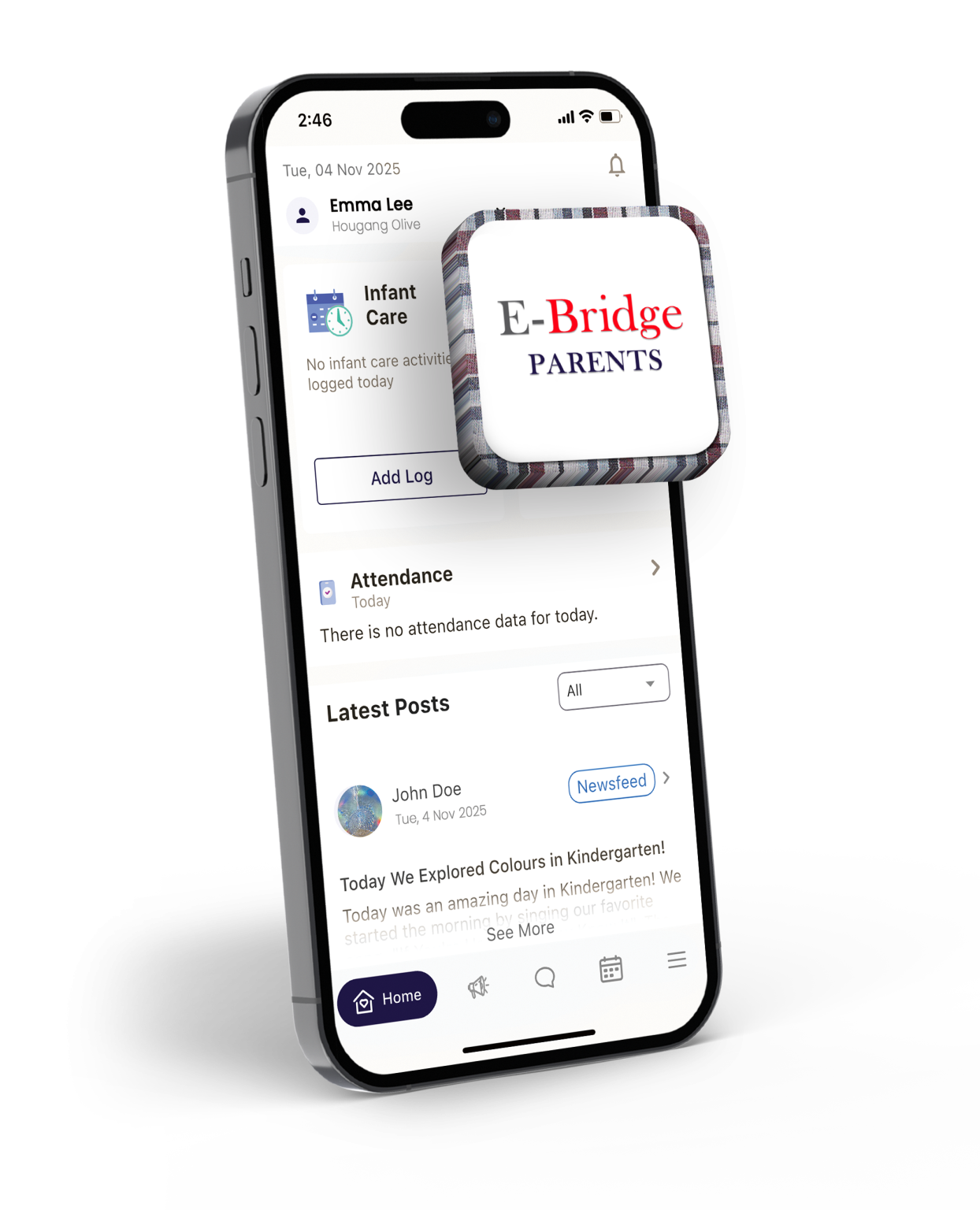
We are pleased to introduce the E-Bridge Parents mobile app, our new in-house student management system designed to enhance communication and keep you closely connected to your child’s learning journey. The app will be available for download from 23 December 2025 and will officially launch on 2 January 2026, from which you may begin using it.
As we transition from LittleLives/Little Family Room (LFR) app to the new app, please download any important records from LittleLives/LFR, such as your child’s portfolio (Moments/PDF Portfolio) by 31 December 2025, as access to LittleLives/LFR will no longer be available after this date.
To download your child’s portfolio and photos from LittleLives/LFR, please follow the steps below:
How to download your child’s 2025 Portfolio (PDF)
1. Log in to your Little Family Room (LFR) app
2. Go to Portfolio > PDF Portfolio
3. Tap the Download button to save it to your device
4. Once opened, tap the Download icon at the top right to save the file
Note:
- Your child’s educator will publish a link to download the portfolio via LFR app by 17 December 2025.
- The Portfolio includes: Learning Journey/Newsletter, Checklist, Moments, and Summative Report.
How to download your child’s Portfolio (PDF) for 2024 and earlier:
1. Log in to LittleLives using a desktop web browser
2. Go to Portfolio, then select Timeline
3. Choose the year you would like to download from Current Viewing Year and Class
4. Click Print as PDF > Print Portfolio (all)
5. Save the file to your device
How to download Check-In and Check-Out photos (Individually)
1. Open the LFR app and go to the Check-In & Out page
2. Tap on any photo you wish to save
3. Tap the Download icon at the top right to save it
How to download all Check-In & Out photos (Desktop)
1. Log in to LittleLives on a desktop web browser
2. Go to Profile Page > Check-In Photos
3. Click Download all photos
Why Are We Transitioning to a New App?
We are continually innovating to enhance our teaching, learning, and parent engagement.
As part of this journey, we are introducing our own student management system, the ‘E-Bridge Parents’ mobile app, which will replace LittleLives. This new app brings together all essential functions into one integrated platform, tailored to the needs of our children, educators, and families.
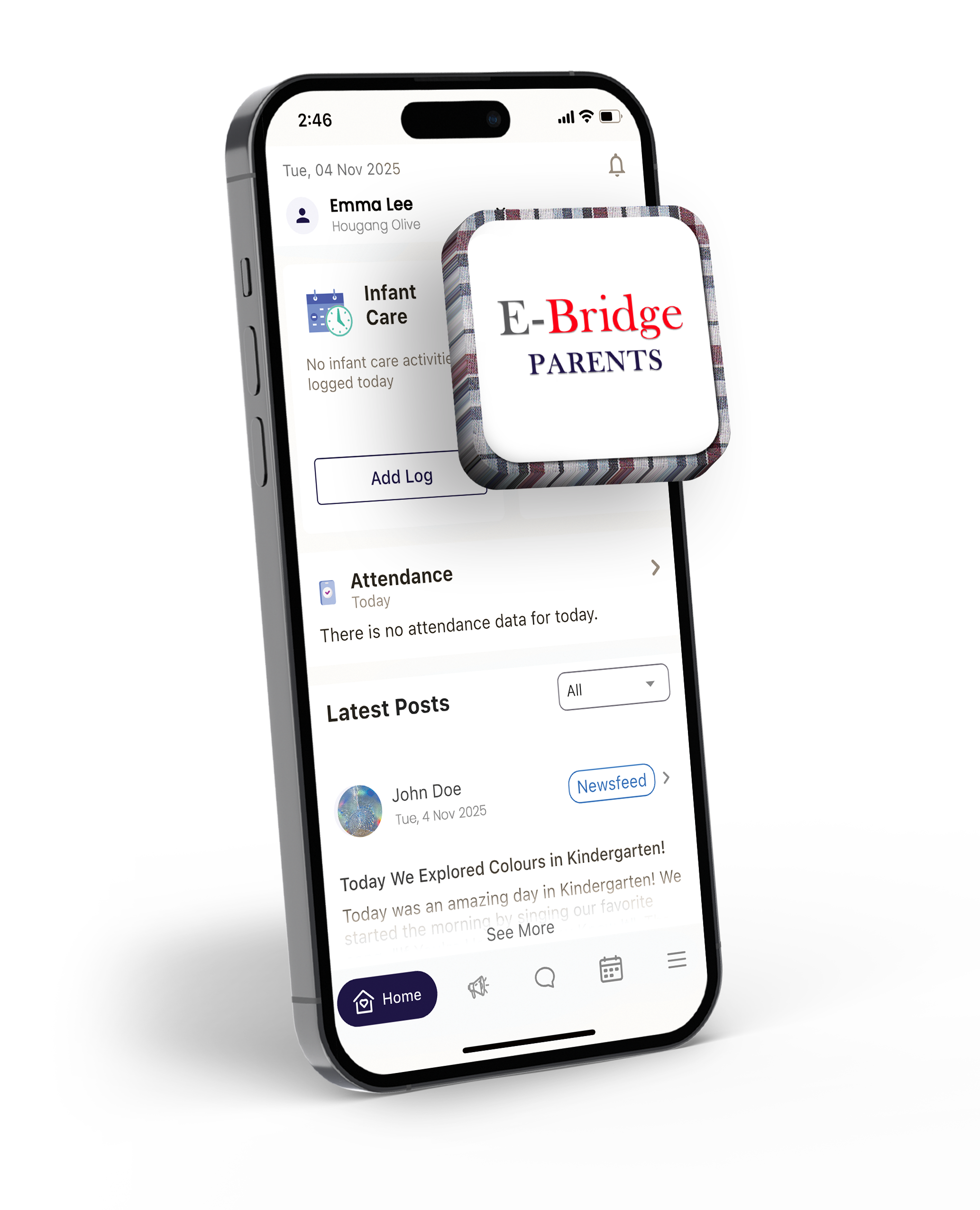
With the E-Bridge Parents app, families can:
- Access all school communication and updates in one place
- Stay informed about your child’s learning and progress
- Receive timely announcements and reminders
- View invoices, billing details, and payment history in one place, and make secure online payments
(Note: Transactions made on or before 2 Jan 2026 will not be reflected)
- Enjoy educator-initiated updates that provide meaningful insights into your child’s experiences
- Infant Wellness (Infant Care only): Access records of your infant’s daily routines such as meals, naps, diaper changes, and other care updates
When can I download the new app?
More Information
For additional details regarding the new app, registration, or migration from LittleLives/Little Family Room (LFR), please refer to the FAQ section below.
More Information
For additional details regarding the new app, registration, or migration from LittleLives/Little Family Room (LFR), please refer to the FAQ section below.
1. Will E-Bridge Parents replace LittleLives / Little Family Room (LFR) completely?
Yes. The E-Bridge Parents app will fully replace LittleLives. Parents are encouraged to download their child’s learning moments (photos and learning journeys) from LittleLives / Little Family Room (LFR) by 31 December 2025, as access will no longer be available after this date.
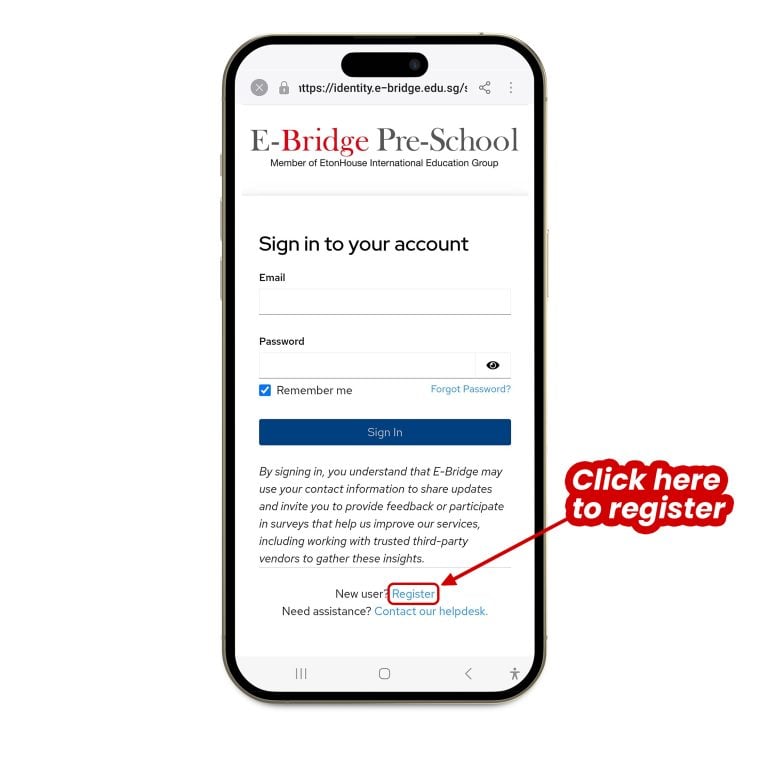
2. Do I need to register again in the new E-Bridge Parents app?
Yes, you will need to register once on the E-Bridge Parents app using the same email address you used on LittleLives / Little Family Room (LFR). After you register and log in, your existing parent and child information (such as your profile details, contact information, and your child’s class details) will be automatically transferred.
3. How can I update my personal details in the new app?
If you would like to update your personal details, please reach out to your respective centre. They will assist you with the changes.
4. How do I update the authorised person list in the new app?
Parents can update authorised caregivers in the app by following these steps:
1. On your E-Bridge Parents app, tap More
2. Select Authorised Pick-Up
3. Add new or edit authorised caregivers
4A. Why do I need to submit the Authorisation e-Form if I can already add authorised caregivers in the app?
Parents are required to submit the Authorisation e-Form to their child’s centre to confirm the list of authorised caregivers (up to six, including parents). While the E-Bridge Parents app allows you to add or edit authorised caregivers, the Authorisation e-Form serves as a backup record for the centre.
This ensures that centres can still verify authorised caregivers in the event the app is unavailable, and due to unforeseen circumstances, and helps keep your child’s pick-up arrangements safe and consistent.
5. What Information will be transferred to the new app?
Only your child’s and family’s profile information, class, teachers, and enrolment details, will be ported over. Parents will need to verify that all information is up to date and set up authorised caregivers for daily check-in and check-out through the new app.
6. Can I still access old portfolios in E-Bridge Parents?
Only new documentation and updates will appear in the app. Portfolios, photos, and newsletters from LittleLives / Little Family Room (LFR) will not be migrated, so parents should download and save any materials they wish to keep before the transition.
7. What devices can I use E-Bridge Parents on?
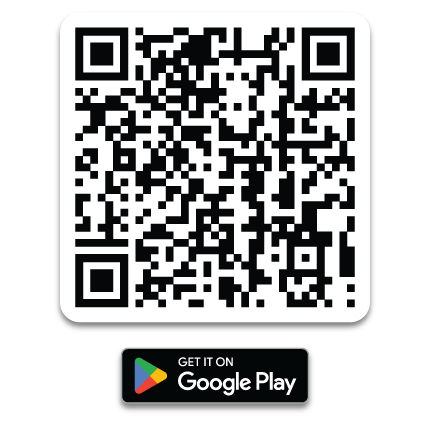
The app is available for both Android and iOS devices and can be downloaded from Google Play or the App Store.
8. What happens to the information stored in LittleLives / Little Family Room (LFR)?
All information from LittleLives / Little Family Room (LFR) will be securely archived by E-Bridge in accordance with the Personal Data Protection Act 2012 (PDPA). Future communication and updates will be available only through the E-Bridge Parents app.
9. How is my data protected?
The app complies with the PDPA and uses secure servers and encryption to safeguard personal and child-related information.
10. Will parents receive updates before the launch?
Yes. Parents will receive a Welcome Memo prior to the launch, which will include step-by-step guidance on how to download the app, log in, verify their details, and explore key features.
11. Will there be any changes to how I make fee payments?
School fee payments and finance-related information will be managed directly through the E-Bridge Parents app, streamlining the process. There are no changes to your fee payment process with GIRO. There are also alternative payment methods available parents will continue to pay via PayNow by scanning the QR code now provided in the new app.
12. Can more than one parent access the same child’s account?
Yes. Both parents can access the child’s profile using their respective registered email addresses (limited to 2 parent accounts for each child). Each registered user will have individual login credentials linked to the same child record.
13. Will I still receive messages and announcements from teachers?
Yes. Educators and Centre Leaders will continue to send updates, announcements, and class communication through the E-Bridge Parents app. Notifications will appear on your app dashboard once logged in.
14. What should I do if I change my email or phone number?
Please inform your Centre Executive as soon as possible if there are changes to your email address or phone number. This ensures you continue to receive important notifications, updates, and reminders from the centre without interruption.
15. What happens if I download E-Bridge Family app before 23 December 2025?
The app will not display your child’s data if downloaded before 23 December 2025, as the migration process takes place from 23 December 2025 to 2 January 2026. All information will be fully available from 2 January 2026.
16. I downloaded the app on 23 December 2025, but my information is not showing. Why?
Your data from LittleLives / Little Family Room (LFR) will be reflected in the app starting 2 January 2026. During the rollout of our new in-house mobile app, there may be brief delays. We appreciate your patience and seek your understanding as we ensure a smooth experience for all families.
17. What new features and upgrades can we expect from the new app?
New features and upgrades will be rolled out progressively.
• Infant Wellness Log (Infant Care only)
Parents will soon be able to access their infant’s daily routines, including meals, naps and diaper changes. This feature will be available from 2 January 2026.
18. When can I expect a reply from the Parents Helpdesk?
Your centre’s representative will do their best to respond to all queries or tickets within two business days.
19. What if I cannot download my child’s 2025 Portfolio?
Please reach out to your child’s educator or centre for assistance.
20. What if I cannot download my child’s earlier portfolio (2024 and before)?
Please reach out to your child’s educator or centre for assistance.
Need Technical Help?
If you encounter any technical issues or need assistance with the E-Bridge Parents app, you can reach out to our Helpdesk for prompt support.
To help us resolve your issue quickly, please include:
How to Submit a Query via the Helpdesk
1. Open the E-Bridge Parents app:
Tap the More tab in the app.
2. Select the Helpdesk
Tap the Helpdesk button to proceed.
3. Access the Query Form
You will be redirected to the in-app Helpdesk, where the query form is hosted.
4. Submit Your Query
Fill in your Issue / Request and Description, then submit your form.
Still Need Help?
If you encounter any issues, please reach out to your respective centre at: